E-Commerce Strategies
Negative Amazon reviews can hurt your business, affecting sales, visibility, and even your account status. But how you respond matters more than the review itself. Here's why:
92% of customers read reviews before buying, and many focus on negative ones.
Responding to complaints can increase revenue for 85% of businesses.
Customers who receive a reply are twice as likely to recommend your brand.
The solution? Use structured templates to respond quickly and professionally. These templates help you:
Acknowledge issues without being defensive.
Offer clear resolutions like refunds or replacements. In some cases, you may also need to look into FBA reimbursements for inventory issues.
Maintain a professional tone while addressing concerns publicly.

Impact of Responding to Negative Amazon Reviews: Key Statistics
1. Product Issues
Template for Product Quality or Expectation Complaints
When a customer shares that your product didn’t meet their expectations or arrived defective, your response should acknowledge their frustration and offer a straightforward solution. The goal is to validate their concern while avoiding any hint of defensiveness.
Start with a personalized apology specific to their complaint. Address the issue directly, whether it’s a defect, missing feature, or performance concern. For instance: "Hi [Customer Name], we’re truly sorry to hear that the product didn’t meet your expectations." This shows you’ve taken the time to understand their experience and value their feedback.
From there, provide a clear and immediate solution. If you’re enrolled in Amazon Brand Registry, you can use the platform’s Contact Customer feature in Seller Central to address reviews rated 1–3 stars. This tool allows you to offer a refund or replacement without violating Amazon’s policies. Present options to the customer, such as: "We’d be happy to provide either a full refund or a free replacement - whichever works best for you." This approach shows accountability and gives the customer control over the resolution process.
Encourage the customer to reach out privately by providing an email address for further assistance. This keeps sensitive order details off public platforms and ensures their privacy. Finally, sign off with a personal touch, like your first name and role - "Sarah, Customer Care" - to make your response feel genuine and approachable.
By handling the issue calmly and offering a solution, you not only resolve the immediate problem but also show future customers that you stand by your products and are committed to making things right.
Next, let’s look at how to address shipping problems effectively.
2. Shipping Problems
Template for Late or Lost Deliveries
Shipping delays can be incredibly frustrating for customers. In fact, 83% of shoppers expect regular updates about their orders, and when those updates fall short, negative reviews can quickly follow. To rebuild trust, it’s important to acknowledge their frustration and provide a clear, actionable solution, perhaps by integrating essential Shopify apps for Amazon sellers to streamline your fulfillment tracking.
Start with a heartfelt apology that directly addresses the situation. Skip the generic lines and tailor your response to their experience: "We sincerely apologize that your order didn’t arrive as expected." If the delay was due to a carrier issue or a backorder, briefly explain - but don’t dwell on it. The focus should shift quickly to how you’ll make things right.
Show the customer that their time and business matter by offering a concrete solution. Whether it’s a full refund, a free replacement, or a discount (like 15-20%) on their next purchase, make the offer clear. For example: "We’d like to offer you a replacement with expedited shipping at no additional cost, or a full refund - whichever works best for you." This puts the decision in their hands, demonstrating both accountability and care.
It’s not just about resolving the issue for this customer - it’s about showing everyone reading your response that you’re proactive and approachable. Include your direct contact information, like an email or phone number, so the customer can get in touch privately to finalize the resolution. This protects their privacy while signaling to others that you’re ready to help.
End your message with a personal touch and a commitment to improving future experiences: "We’re working closely with our shipping partners to ensure this doesn’t happen again." This reassures the affected customer and potential buyers that you’re taking steps to prevent similar problems in the future.
Next, we’ll dive into addressing customer service concerns to further enhance the overall experience.
3. Customer Service Concerns
Template for Unresponsive or Unhelpful Support
When customers voice concerns about poor service - whether it's due to slow replies, unhelpful communication, or feeling ignored - it's essential to address the issue promptly with professional Amazon Marketing Services. Studies show that 53% of customers expect a response within one week, with many hoping for even faster replies. Your reply should acknowledge their frustration right away and take responsibility for the situation.
Start with a warm, personalized greeting using their name, followed by an acknowledgment of the issue. For instance: "I sincerely apologize for the delayed response. I understand how frustrating this experience must have been for you." Steer clear of defensive language like "this rarely happens" or "that's not true", as such phrases can escalate the situation and make the customer feel dismissed.
Next, shift the focus to resolving the issue. Offer a tangible gesture, such as a 25% discount or partial refund, and encourage the customer to reach out privately through Amazon's Buyer-Seller Messaging system. For example: "As an apology, I’d like to offer you a 25% discount on your next order. Please contact us directly at [your email] so we can address this further." This approach not only respects their privacy but also shows your commitment to making things right.
End your message by sharing steps you're taking to improve: "We're actively working on better systems to ensure this doesn't happen again." This reassures the customer that their feedback is driving change. Keep in mind, 45% of consumers are more likely to return to a business that responds effectively to their concerns. Up next, explore how to handle complaints about damaged items with the same level of professionalism.
4. Damaged Items
Template for Broken or Damaged Products
Receiving a damaged product is understandably frustrating for any customer. Studies suggest that a single negative review can take up to 12 positive reviews to balance out its impact. That’s why how you respond to these situations is crucial.
Start by addressing the customer directly and acknowledging the issue. A statement like "We're truly sorry to hear your product arrived damaged" sets a compassionate tone. Then, take responsibility with a straightforward explanation: "While we take every precaution to ensure safe delivery, this time we fell short." This shows empathy while reassuring the customer that such occurrences are rare.
Offer a quick resolution by giving the customer a choice between a replacement or a full refund. For example: "Please contact us through the contact seller function, and we’ll either send you a replacement or issue a refund - whichever you prefer." This empowers the customer to decide how they’d like the issue resolved.
Finally, guide the conversation offline by directing them to Amazon’s Buyer-Seller Messaging system or providing your direct contact details. Handling these discussions privately not only prevents public complaints but also protects your seller account from potential risks caused by unresolved issues. Swift action here safeguards your reputation and strengthens customer trust.
For more help with customer interactions, check out our FAQs for Amazon sellers. Next, we’ll dive into managing feature requests to further enhance customer satisfaction.
5. Feature Requests
Template for Handling Feature Suggestions
When dealing with feature suggestions, it's important to keep your responses clear and focused on finding solutions. Negative reviews that point out missing features can actually provide valuable insights into market needs. Considering that over 93% of consumers say online reviews influence their buying decisions, your response matters - not just to the reviewer but also to potential customers.
For reviews mentioning missing features, acknowledge the feedback in a way that shows you're listening. A response like, "That's a great suggestion. We've received similar feedback and will take it into consideration for future updates," can help validate the customer's input and show that their voice matters.
If the product doesn’t meet their expectations, offer a practical solution: "If this product doesn’t fully meet your needs as it is, we’d be happy to assist with a return or refund. Feel free to reach out via Amazon’s messaging system."
A great example of handling feature critiques comes from April 2024, when Capsule CEO Champ Bennett responded to a critical review in a newsletter. He openly admitted that the product was "far from perfect" and assured the reviewer that his team was "pushing fixes and features like mad." This candid and humble reply not only addressed the critique but also turned the reviewer into a passionate supporter.
These interactions aren’t just about damage control - they’re opportunities to prioritize future updates and build lasting customer loyalty. Quick, thoughtful responses and comprehensive Amazon services can pave the way for long-term growth. Up next, discover how Amazon Communication Tools can help simplify your customer interactions.
6. Amazon Communication Tools
Using Seller Central's Customer Reviews Tool
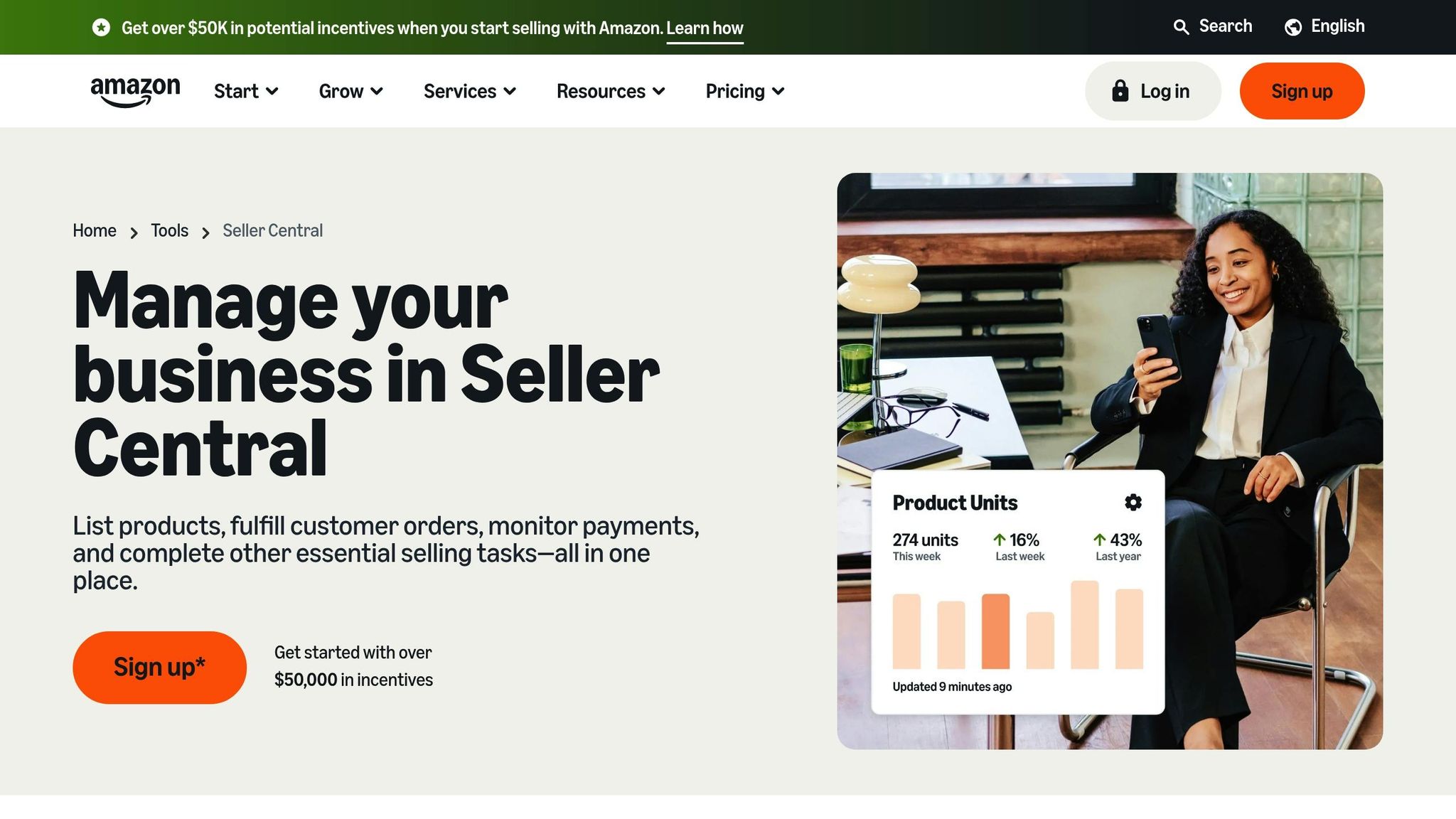
Amazon's built-in tools make managing feedback simpler and more efficient, especially when it comes to addressing negative reviews. If you're a Brand Registered seller, the Customer Reviews Tool in Seller Central is a game-changer. Found under the "Brands" menu, this tool allows you to filter reviews by star rating and directly contact buyers who left critical (1-3 star) reviews within the past six months.
When you click on "Contact Buyer", you'll see two preset options: "Courtesy Refund" and "Customer Support." These templates, while not customizable, are designed to help you respond professionally and stay within Amazon's policies. As highlighted in Seller University, "We're now offering a brand-only benefit that allows you to reach out to buyers who purchased your branded product directly from you, who left critical (1-3 star reviews) via templated emails that allow you to communicate with buyers via buyer-seller messaging."
Once a customer responds, the conversation moves to your Messages inbox. From there, you can engage in a personalized, template-free discussion to address their concerns and build rapport. Keep in mind that access to this tool requires a Professional selling account, which costs $39.99 per month plus additional fees.
To stay on top of feedback, review customer reviews monthly using the Amazon Seller Mobile App. It's crucial to respond promptly and focus on resolving issues, but remember - Amazon strictly prohibits asking customers to change or remove their reviews. Your goal should be to address their concerns and deliver outstanding service.
These tools make it easier to incorporate effective feedback management into your overall strategy, ensuring a smoother and more professional approach to customer interactions.
How to Respond to Negative Amazon Reviews in Seller Central
For a more comprehensive look at reputation management, see our guide to dealing with negative reviews.
Turning Negative Reviews Into Opportunities
Negative reviews don’t have to be the end of the story - they can be a chance to improve and show your dedication to customer satisfaction. With the right response templates, you can address common complaints - like product defects or shipping delays - without struggling to find the right words in a heated moment. These templates not only help resolve issues quickly but also highlight your commitment to providing a positive customer experience.
What makes these templates truly effective is adding a personal touch. Addressing the customer by name and referencing their specific issue shows you’ve taken the time to understand their experience rather than sending a generic reply. Acting quickly - ideally within 24 hours - demonstrates that you value their feedback and are serious about resolving their concerns. After all, a personalized and timely response can turn a negative review into a chance to build loyalty.
The impact of responding to reviews goes beyond just resolving complaints. Studies show that reviewers who receive a response are twice as likely to recommend your business. A professional response not only helps protect your reputation but can also safeguard your revenue.
When crafting your replies, stay professional, acknowledge the issue without being defensive, and always provide a clear solution. Whether it’s offering a refund, a replacement, or sharing direct contact information to handle the matter privately, a thoughtful response can make all the difference. As Ken McMahon, Customer Success Lead at Nextiva, wisely notes:
"A polite, solution-oriented response shows accountability and professionalism, which can win back unhappy customers and impress potential ones."
It’s unrealistic to aim for zero negative reviews - they’re bound to happen, and having none might even raise suspicion about your authenticity. Instead, use these moments to demonstrate accountability and show that your business genuinely cares about resolving issues. These templates are just the starting point for turning criticism into an opportunity to build trust and credibility.
For more expert tips, check out eStore Factory.
FAQs
What should I avoid saying when replying to a negative Amazon review?
When responding to customer feedback, it's important to maintain a polite and professional tone, even if the feedback feels harsh or unjust. Avoid phrases that might come across as dismissive or argumentative, such as "This review is unfair" or "You're wrong." These can escalate the situation and alienate the customer.
Instead, focus on acknowledging the customer's concerns and expressing gratitude for their input. For instance, you might say, "Thank you for bringing this to our attention. We're sorry to hear about your experience and would like to make it right." This approach demonstrates empathy and a genuine willingness to address the issue, fostering a more positive interaction.
How do I use Seller Central to contact buyers who left 1–3 star reviews?
To reach out to buyers who left 1–3 star reviews, you need to be a Brand Registered seller. Simply log in to Seller Central, navigate to Brands > Customer Reviews, locate the review in question, and click Contact Customer. Amazon provides pre-written templates you can use to either request clarification or offer a courtesy refund. Keep in mind, this option is available only to primary account holders and applies to reviews that are less than 90 days old.
Can replying to reviews get my Amazon seller account in trouble?
Replying to reviews on Amazon, especially negative ones, requires caution. Violating Amazon's policies - such as engaging in review manipulation or offering improper incentives - can put your seller account at risk. This could lead to serious consequences, like account suspension. To stay safe, always stick to Amazon's communication and review guidelines. Following these rules helps ensure your responses are both professional and compliant.