
E-Commerce Strategies
Running Amazon PPC campaigns without analyzing competitors is like navigating without a map. Competitor keyword analysis helps you identify high-performing keywords, avoid wasted ad spend, and refine your Amazon advertising strategy to boost visibility and sales. With rising ad costs in 2026, understanding what works for competitors is key to staying profitable.
Key Takeaways:
Why it matters: Competitor analysis improves visibility, conversion rates, and ad spend efficiency.
How it works: Tools like Helium 10 and Jungle Scout uncover competitor keywords, bidding strategies, and market gaps.
Actionable steps: Identify competitors, use reverse ASIN tools, analyze PPC metrics, and adjust bids for better performance.
Best tools: Helium 10 for advanced insights, Jungle Scout for trend analysis, and AMZScout for budget-friendly options.
By leveraging competitor data, you can focus on keywords that drive sales while avoiding costly mistakes. Let’s break it down step-by-step.
Steal Your Competitors Amazon PPC Results to Optimize Your PPC Campaigns with Perpetua Benchmarker
Why Competitor Keyword Analysis Matters for Amazon Sellers
Competitor keyword analysis plays a critical role in three areas of your Amazon business: visibility, conversion rates, and ad spend efficiency. By understanding the keywords your competitors are targeting, you gain insight into what’s already working in your market. This eliminates the trial-and-error approach that can drain your budget. It also provides a foundation for understanding your competitors’ broader strategies.
Amazon’s advertising costs are climbing, and sellers can’t afford to guess which keywords will deliver results. Competitor analysis arms you with the data needed to make smarter decisions, helping you protect your profit margins while driving sales.
Learn What Competitors Are Doing
By analyzing competitor keywords, you can uncover the bidding strategies and ad structures they’re using to win sales. You’ll see their preferred keyword match types - whether they lean toward broad, phrase, or exact matches - and how aggressively they bid on specific terms.
This gives you a glimpse into their priorities. For example, if a competitor focuses heavily on exact match campaigns for a keyword, it’s likely a strong performer for them. You can also identify gaps in their strategy - keywords they’re ignoring or underutilizing - and use those opportunities to your advantage before they catch on.
"Identifying the right Amazon PPC keywords is crucial for the success of your campaigns, as these keywords determine when and where your ads will appear on Amazon." - SellerSprite
Beyond keywords, reviewing competitor ad copy and product listings reveals the emotional triggers they’re leveraging, such as urgency or exclusivity. Pricing tactics like psychological pricing ($9.99 instead of $10.00) also come into play, influencing buyer decisions. These insights can help you refine your own messaging to resonate better with shoppers, boosting conversions and reducing wasted ad spend.
Find Keywords That Drive Sales
The biggest payoff of competitor analysis is discovering high-converting keywords that real customers are using to find and buy products like yours. This allows you to tap into existing demand rather than experimenting with untested keywords.
When competitors consistently bid on certain terms, it’s a clear sign those keywords are driving revenue. Adding these proven keywords to your campaigns gives you a head start, saving time and resources compared to starting from scratch.
Competitor analysis also highlights market gaps - keywords and audience segments your competitors are overlooking. By targeting these areas, you can attract traffic they’re missing out on, securing better ad placements and higher conversion rates without wading into overly competitive territory.
Reduce Wasted Ad Spend
Competitor insights can also help you cut down on inefficient spending. For instance, if you notice a competitor pulling back from certain keywords, it’s often a sign those terms aren’t delivering strong results. This knowledge helps you avoid making the same costly mistakes.
Additionally, understanding whether competitors use dynamic or fixed bidding strategies for specific keywords can guide you in choosing the most cost-effective approach for your campaigns. This informed strategy ensures your ad spend is directed where it’s most likely to deliver results.
How to Analyze Competitor Keywords: Step-by-Step
Competitor keyword analysis helps uncover what’s working in your market. By breaking it into clear steps, you can gain useful insights without getting lost in data overload.
Find Your Main Competitors
Start by browsing your product category for listings with "Best Seller" or "Amazon's Choice" badges - these often highlight your top competitors. Use price filters to narrow down sellers targeting the same audience and price range as you. Browser extensions can further refine results by showing estimated sales and rankings, helping you zero in on the most successful sellers quickly.
Don’t stop at Amazon! Check Google PPC ads for your product keywords to spot competitors driving external traffic. Aim to create a focused list of 3–5 core competitors - enough to gather meaningful insights without spreading yourself too thin.
"Discovering that your top competitor isn't running any ads presents a golden opportunity for you to dominate your market in the long run just by choosing to run them." - Shivali Patel, Senior Brand Evangelist, Helium 10
Want to stay ahead of trends? Filter for "Newest Arrivals" to spot rising competitors and emerging products before the market becomes crowded. Tools like Helium 10 Cerebro can help identify competitors who rely on broad or auto campaigns by showing zero sponsored keywords - this gap could be your opening. Reverse ASIN tools can then uncover the exact keywords these competitors depend on.
Use Reverse ASIN Lookup Tools
Reverse ASIN lookup tools reveal the keywords your competitors rank for, whether through organic searches or paid ads. To get started, input the ASINs of your 5–10 top competitors into tools like Helium 10's Cerebro, Jungle Scout, or AMZScout. These tools provide data on search volume, ranking positions, keyword trends, and estimated sales.
Since these lists can include over 1,000 keywords per ASIN, focus on filtering for 50–100 high-intent keywords. Amazon’s 2026 algorithm update emphasizes post-click behavior, meaning irrelevant clicks that don’t result in sales could hurt your rankings. Prioritize keywords that align with buyer intent - terms like "best gifts for dog lovers" (which recently saw a 22% spike in clicks) often outperform generic phrases like "dog chew toy."
Avoid copying competitor keyword strategies word-for-word. Their pricing, reputation, and target audience may differ from yours. Revisit reverse ASIN research every quarter to keep up with evolving trends. Identify high-cost keywords that don’t convert well for your product and mark them as negative keywords to save money. Once you’ve refined your keyword list, dig deeper by analyzing PPC metrics to optimize your campaigns.
Review PPC Metrics and Keyword Performance
Take a closer look at how many keywords your competitors are bidding on. This helps you distinguish between broad discovery campaigns and targeted, exact-match strategies. Also, check whether the keywords they rank for are trending positively, negatively, or staying stable - investing in declining terms is a quick way to lose money.
Focus on low-visibility but highly relevant keywords that competitors may have overlooked. These can help you capture untapped traffic. Assess buyer intent by looking at keyword specificity - phrases like "buy waterproof hiking boots size 10" are far more likely to convert than generic searches like "boots."
Pay attention to how competitors allocate their sponsored keywords across match types. Heavy investment in exact-match terms typically signals strong performance for those keywords. Use this information to fine-tune your own bidding strategy, cutting down on costly trial-and-error efforts. This approach ensures your PPC campaigns align with proven demand in your market.
Best Tools for Amazon PPC Keyword Analysis

Amazon PPC Keyword Analysis Tools Comparison: Helium 10 vs Jungle Scout vs AMZScout
When it comes to Amazon PPC keyword strategies, having the right tools can make all the difference. Whether you're a seasoned seller or just starting out, platforms like Helium 10, Jungle Scout, and AMZScout offer powerful features tailored to different needs and budgets. Here's a closer look at these tools and what they bring to the table.
Helium 10

Helium 10 is a top choice for in-depth competitor analysis. Its standout features include Cerebro (a reverse ASIN tool) and Magnet (a seed keyword tool), which work together to uncover your competitors' keyword strategies. With Cerebro, you can analyze up to 10 ASINs simultaneously, identifying "Sponsored Keywords" that competitors have focused on in their ads over the past 30 days.
For PPC management, Helium 10 offers Adtomic, an AI-driven suite that automates bid adjustments and optimizes ad placements hourly. Pricing starts at $29/month for basic access, but to unlock the full potential of its reverse ASIN tools, the Platinum plan at $129/month is recommended. For those looking for complete PPC features, the Diamond plan at $359/month is the best option.
Jungle Scout
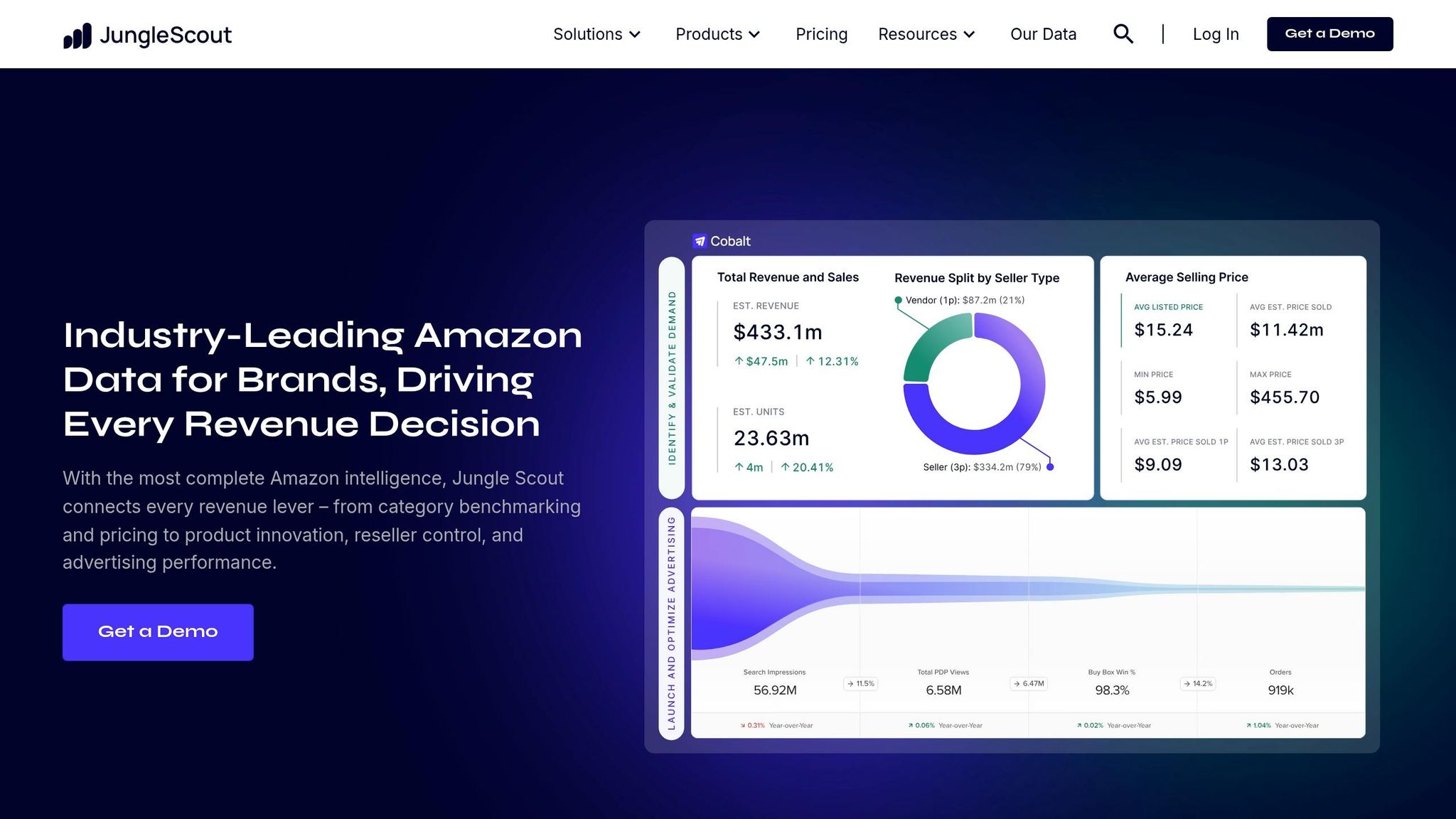
Jungle Scout is known for its robust historical data and user-friendly interface. Its Keyword Scout tool provides access to millions of data points, including up to two years of historical search volume, making it great for analyzing seasonal trends and long-term keyword performance. You can also reverse-search up to 10 ASINs to compare organic and sponsored keyword data, helping identify gaps in your competitors' strategies.
Additionally, Jungle Scout offers PPC bid estimates for different ad types, giving sellers a clearer picture of potential costs. Plans range from $49 to $399/month, and the platform comes with a 7-day money-back guarantee.
"Keyword Scout pulls millions of data points to show you exact and broad keyword search volumes... and reverse-search competing ASINs for organic and sponsored keyword ranking data." - Jungle Scout
AMZScout
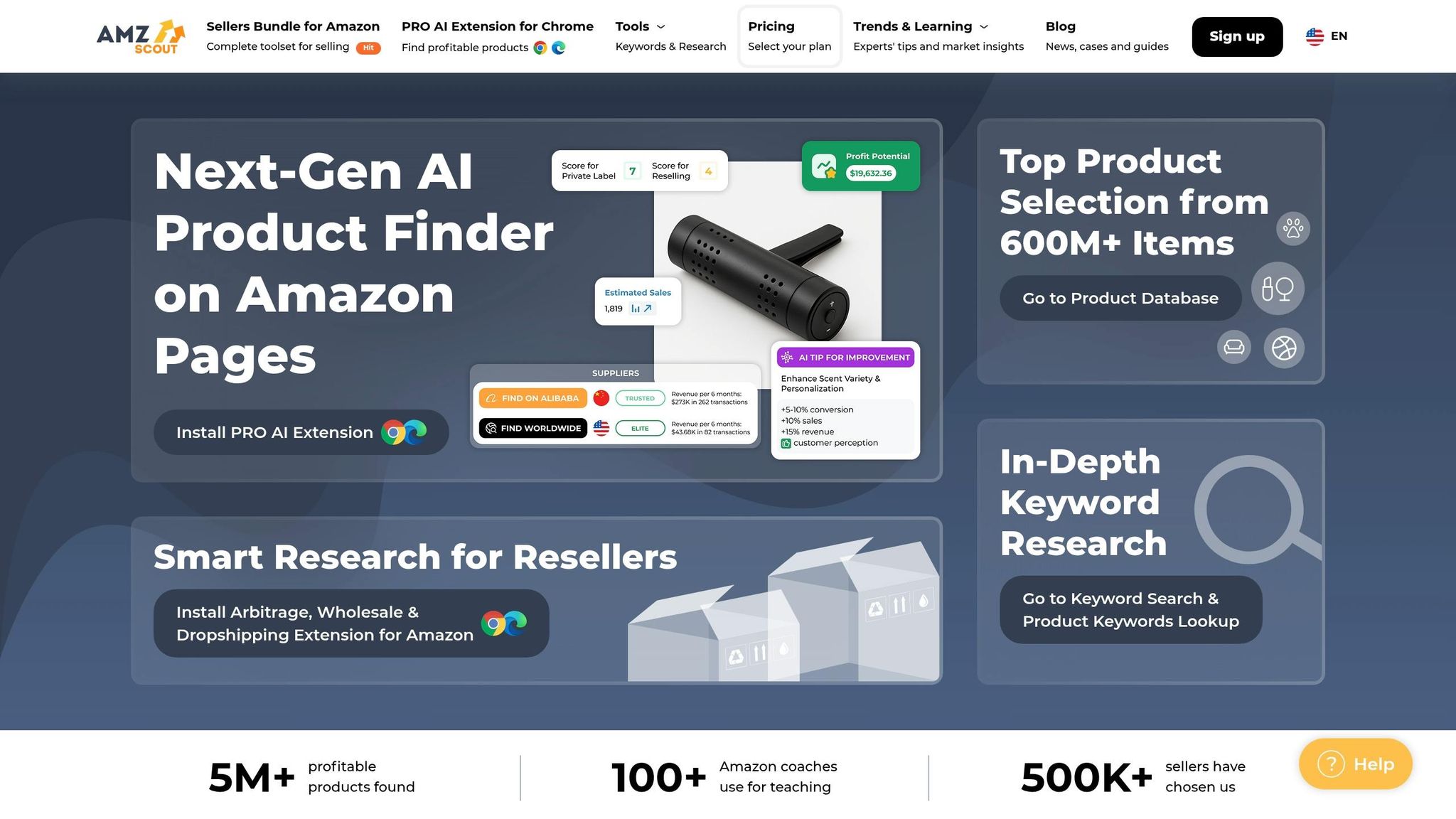
For those on a tight budget, AMZScout delivers essential keyword insights without breaking the bank. It’s particularly useful for reverse ASIN lookups, offering relevancy scores for competitor-targeted terms and basic PPC keyword tracking. One of its standout features is organic position loss alerts, which notify you of ranking drops before they affect your sales.
Pricing for AMZScout starts at $20/month and goes up to $49.99/month, making it an affordable option for beginners or sellers experimenting with PPC. While it lacks the advanced automation features of Helium 10, it provides solid value for those prioritizing affordability.
Here’s a quick comparison of these tools:
Tool | Starting Price | Best For | Unique Strength |
|---|---|---|---|
Helium 10 | $29–$129/month | Advanced data analysis | Hourly rank tracking & AI automation (Adtomic) |
Jungle Scout | $49/month | Long-term trend analysis | 2-year search history for seasonal insights |
AMZScout | $20–$49.99/month | Budget-friendly beginners | Organic position loss alerts |
How to Use Competitor Data in Your PPC Campaigns
Once you’ve gathered detailed competitor data, it’s time to put those insights to work. By analyzing and applying this information, you can fine-tune your Amazon PPC strategy to improve targeting and bidding.
Improve Campaign Targeting
Start by reviewing the keywords your competitors are using. Identify high-performing keywords they’re targeting that you may have missed, and add them to your campaigns to capture more buyer intent. This strategy helps you align with terms that are already driving results.
Organize your ad groups based on keyword intent and performance. For instance, keep broad discovery terms (like "exercise mat") separate from more specific searches (like "6mm non-slip yoga mat purple"). This way, you can better manage bids and create ad copy that resonates with shoppers’ needs. A well-structured campaign allows you to target intent more effectively while maintaining control over costs.
Adjust Your Bids
Amazon’s second-price auction system makes bid adjustments a critical part of competing effectively. A small gap between your bid and the cost-per-click (CPC) often signals intense competition.
Use Amazon’s suggested bid range in Seller Central to gauge activity levels. For example, keywords with recommended bids above $4.50 often indicate high competition. Instead of simply raising your base bid for these terms, consider placement adjustments. A smart tactic is to set a low base bid (like $0.10) while applying a high "Top of Search" adjustment (100% or more). This approach allows you to compete for premium ad placements without inflating costs across all placements.
Bidding Strategy | Best Use Case | Competitor Impact |
|---|---|---|
Fixed Bids | Tight budget control | Keeps bids steady, no reaction to competitor changes |
Dynamic (Down Only) | Maximizing profitability | Lowers bids when competitors are likely to win |
Dynamic (Up & Down) | Driving aggressive growth | Outbids competitors for high-intent shoppers automatically |
Placement Adjustments | Dominating specific ad spots | Focuses on "Top of Search" or "Product Pages" placements |
After making bid adjustments, keep a close eye on how these changes impact your performance metrics.
Track Results and Make Changes
Competitor activity is always shifting, so regular monitoring is essential. Pay attention to metrics like ACoS, conversion rates, and impression share. If you notice a drop, it could signal increased competition, requiring further tweaks to your bids. This ongoing process of monitoring and optimization ensures your PPC campaigns stay competitive and aligned with your overall strategy.
Conclusion
Competitor keyword analysis is a cornerstone of building a strong Amazon PPC strategy. It helps uncover the tactics that are already driving sales in your niche. The process involves identifying your competitors, using reverse ASIN lookup tools, analyzing performance data, and refining your targeting and bids based on insights gained. By leveraging these steps, your PPC campaigns can become a powerful, data-driven tool for growth.
"Success in Amazon PPC is about more than just running ads. It's about employing the right keyword strategy with precision." – Ecomclips
Amazon's algorithm now updates keyword rankings hourly, making continuous monitoring more critical than ever. As of 2026, keyword research focuses less on raw search volume and more on buyer intent and purchase likelihood. Sellers need to stay flexible, regularly removing underperforming keywords and fine-tuning bids to stay competitive in this fast-changing environment.
To navigate this landscape effectively, streamlined strategies and expert execution are essential. For those looking to scale, services like eStore Factory offer advanced tools and professional expertise to help optimize bids, keywords, and ad performance on an ongoing basis.
Whether you’re managing campaigns yourself or working with specialists, remember that competitor analysis isn’t a one-and-done task. Regular reviews, smart bid adjustments, and ensuring your keywords align with your brand’s messaging will keep your campaigns profitable and competitive in an ever-evolving marketplace.
FAQs
Which competitor ASINs should I analyze first?
To get ahead in your niche, start by digging into competitor ASINs that are actively advertising and ranking well. You can pinpoint these competitors using keyword searches, Amazon’s best-seller rankings, and reverse ASIN lookup tools. Why is this important? Because studying their PPC campaigns and visibility reveals valuable details about their keyword strategies, ad placements, and bidding tactics. These insights can help you refine your own approach and stay competitive.
How do I pick the best keywords from a reverse ASIN list?
To make the most of a reverse ASIN list, zero in on keywords that generate significant traffic and conversions for your competitors. Start by analyzing key metrics like search volume, organic rank, and competition levels using reverse ASIN tools.
Focus on high-volume keywords that are directly relevant to your product. These are the terms most likely to connect you with potential buyers. At the same time, keep an eye out for low-cost PPC keywords that still show strong traffic potential. These can help you stretch your ad budget while boosting visibility. By balancing these factors, you can fine-tune your keyword strategy for better results.
When should I turn competitor keywords into negative keywords?
When competitor keywords aren't delivering results, it's time to turn them into negative keywords. Here's what to watch for:
Keywords with high impressions but a CTR below 0.18% and no conversions. These are likely dragging down your campaign's efficiency.
Keywords that lead to high ad spend (e.g., over $35) without generating any sales.
Search terms with more than 34 clicks but zero conversions, as they can quickly eat into your budget without delivering results.
Keep a close eye on your performance metrics and make adjustments regularly to ensure your campaigns stay on track.